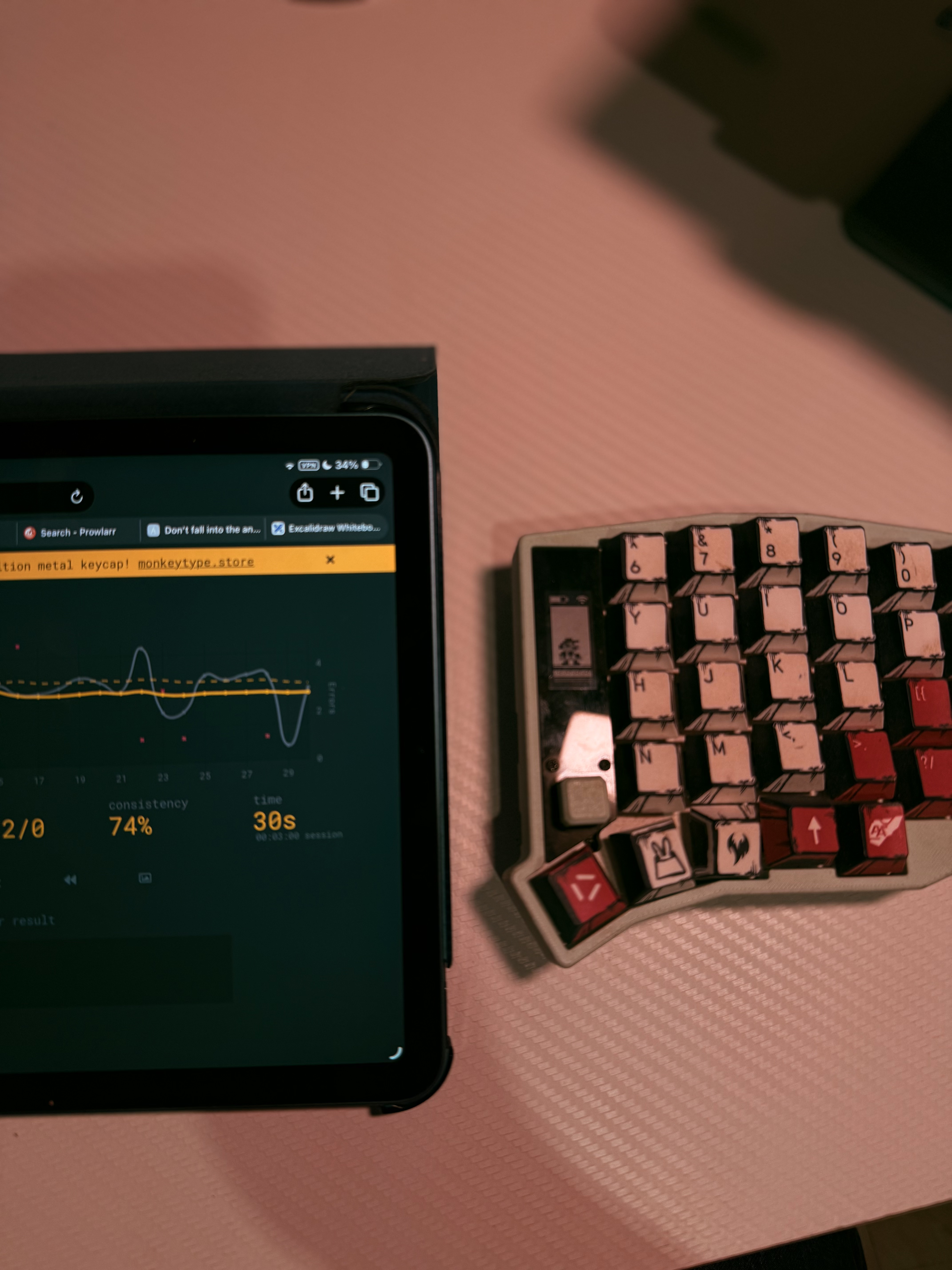
Sofle 58(RX-78-2) long term review
As I have gotten more into mechanical keyboards I’ve always wanted to try a split keyboard, having tried a ZSA Voyager and Moonlander at a friend’s place I could tell I’d like it but didn’t have enough time to relearn how to type.
This blog is a compilation of my thoughts and experiences with a column-staggered split layout.
Build
Landing on the Sofle was a bit of a mistake as I had originally planned to go with the Corne but I have large hands, at the time I didn’t think this would work out for my first split board.
The body of the keyboard is still pretty standard, it is 3D printed plastic with 2 nice nanos as the microcontroller.
As far as connectivity goes I have Bluetooth and a wired connection over USB-C.
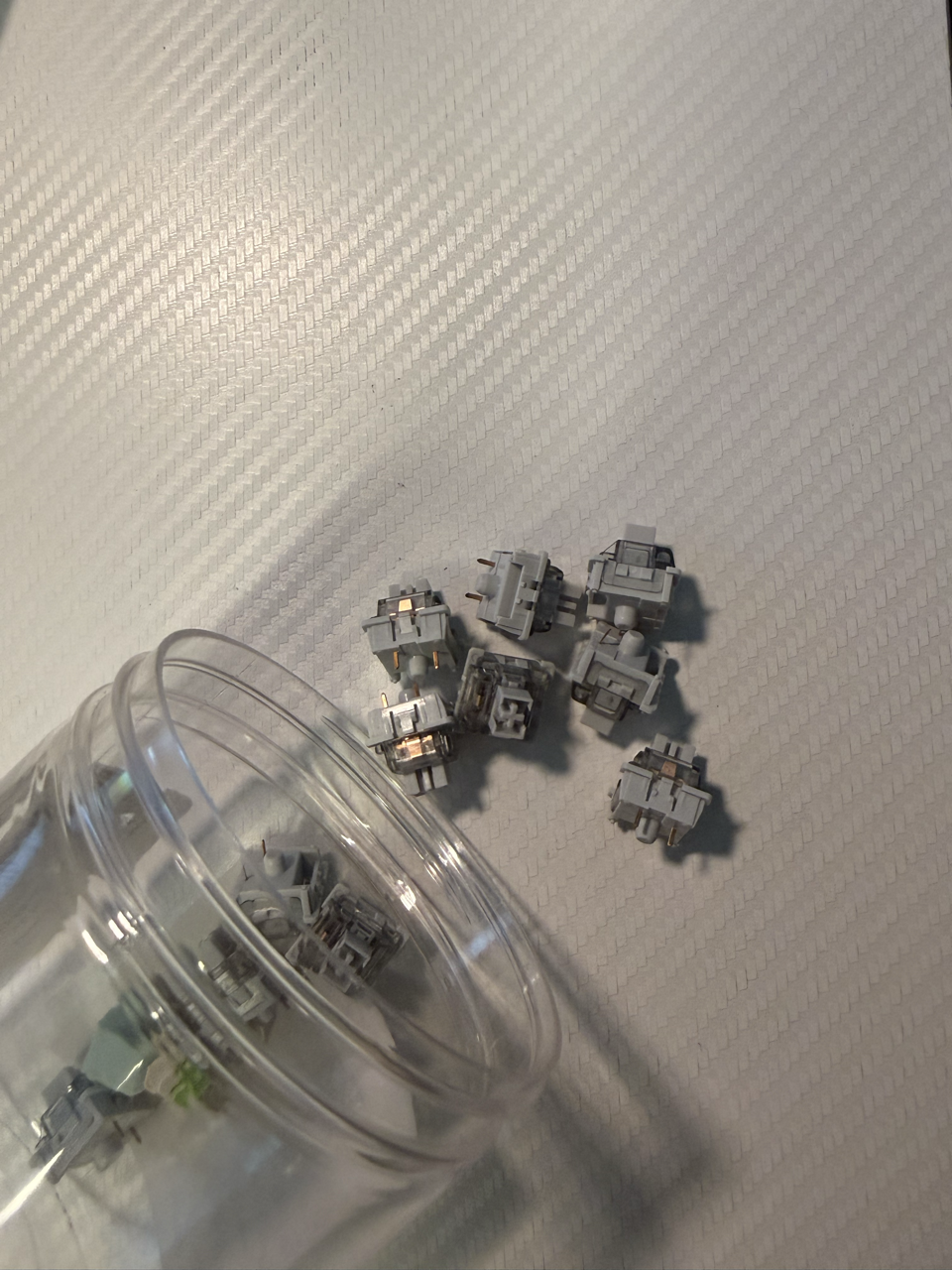
My switch of choice for this build are the LEOBOG Graywood V3s, I went with this because I enjoyed the LEOBOG Reaper Switch on my F75 and decided to try another switch in the same family.
The Graywoods are nice, actuation force is around 40 ± 3 gf and it bottoms out at 53 ± 3 gf, which is a little lighter than the Reaper’s (at 45 ± 3 gf) but I can’t complain too much. It’s a linear switch that comes pre-lubed so typing is pretty smooth assuming you have been using a similar switch for a while.
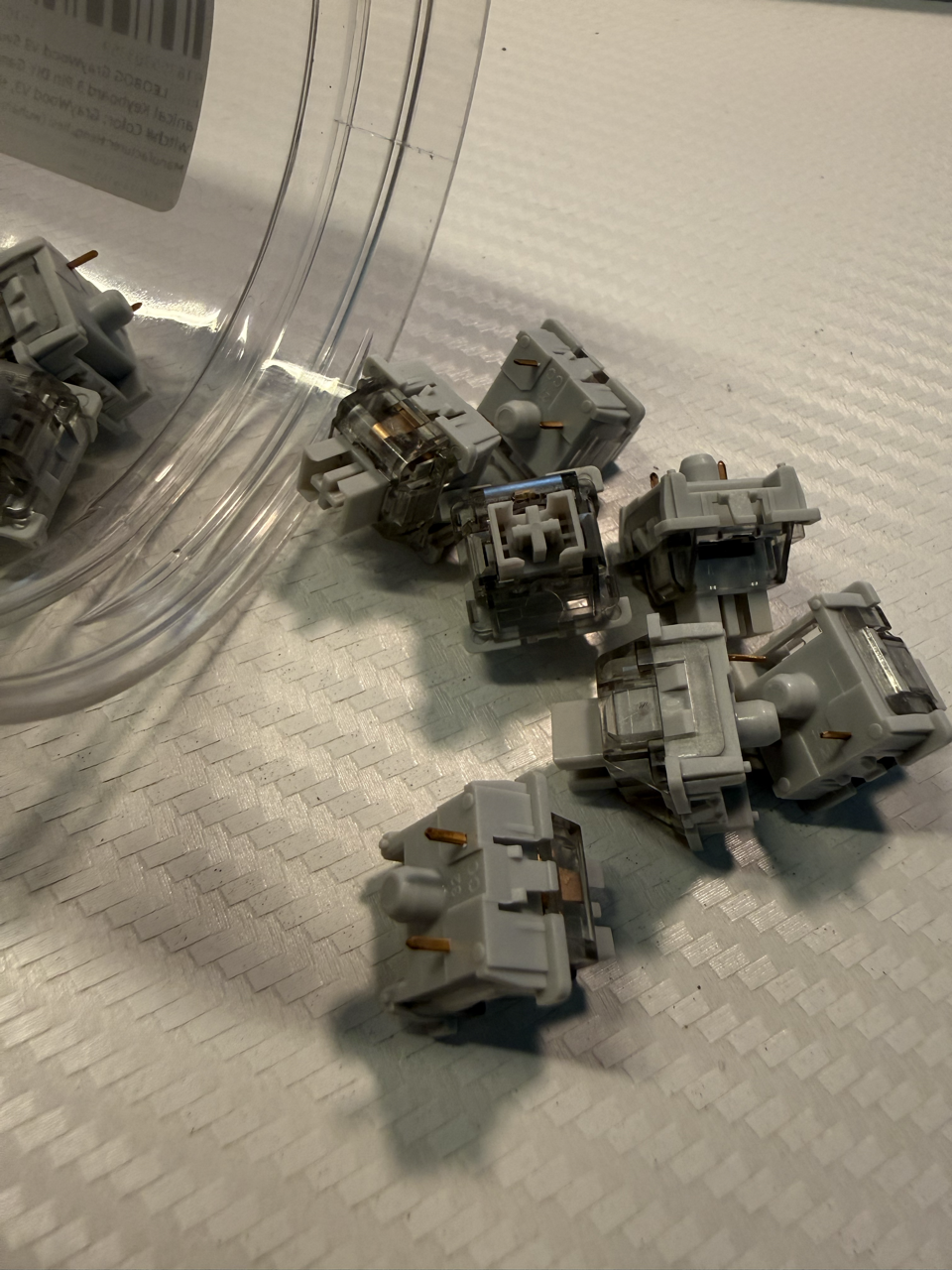
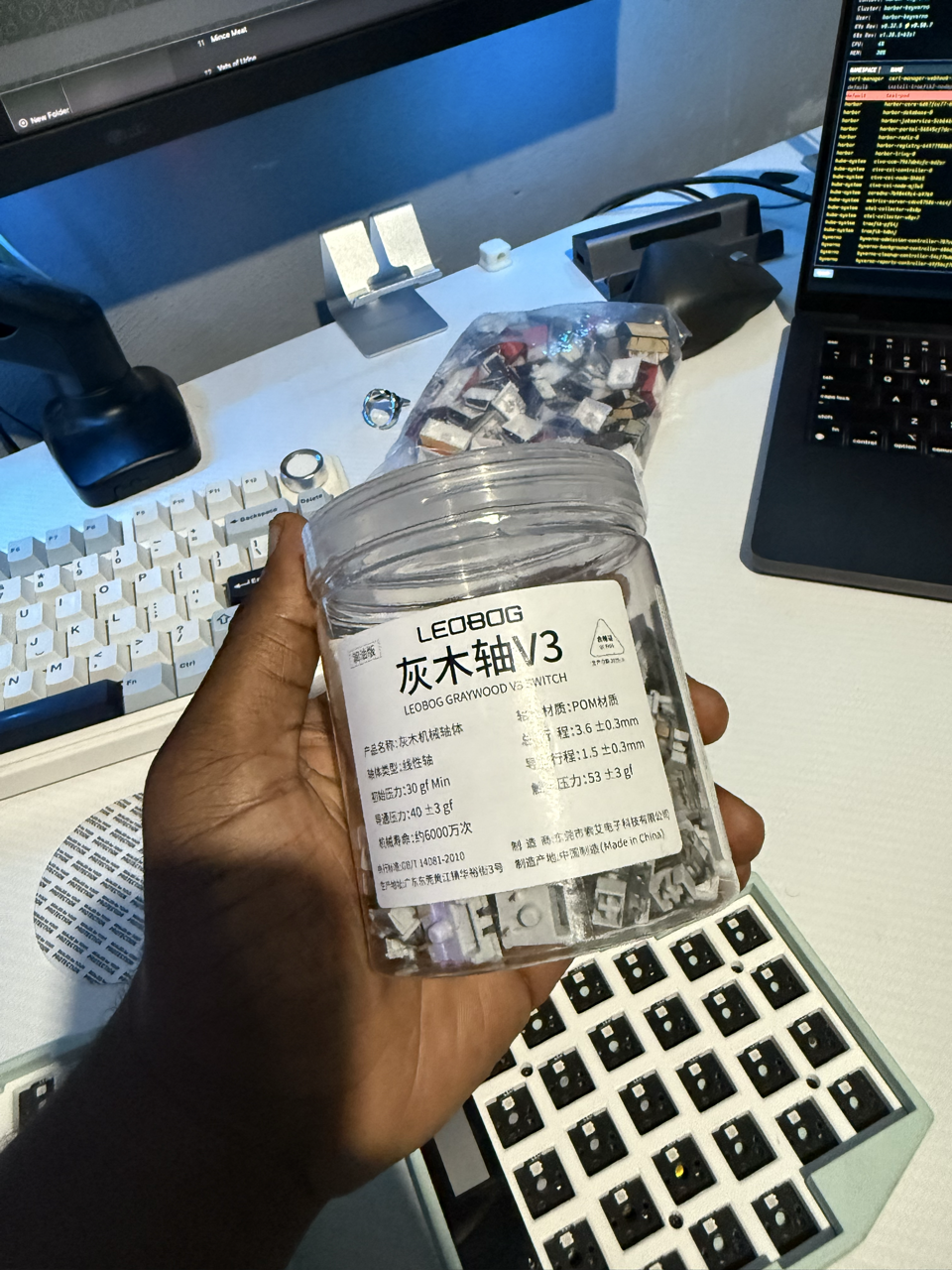
In the coming months I will very likely try out tactile switches, but until then these have been good to me.
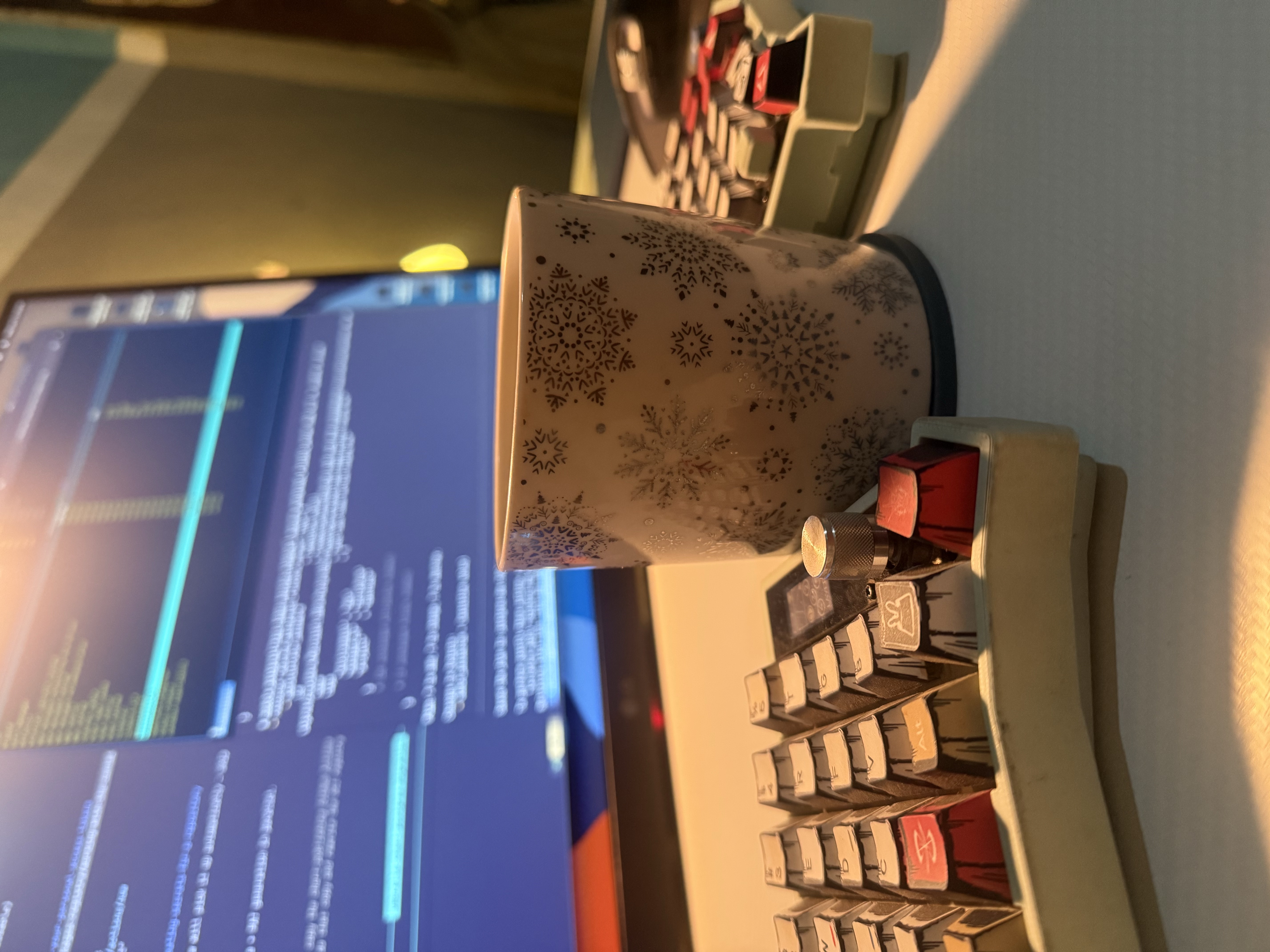
Keycaps were purely aesthetic as I had on binge, watching Mobile Suit Gundam, which is how RX-78-2 ended up in the title and ultimately what I named this board. Not much to say about the keycaps themselves. Standard plastic, doubt they are double-shot and it gets the job done.
Here’s what typing on the board sounds like.
Learning Curve
There aren’t many words I can use to describe typing on a split columnar board for the first time. The split applied to me quite directly as my brain felt like both hemispheres had to operate independently.
The first few months decimated my typing and returning to a normal layout also saw my typing accuracy take a hit. Unfortunately I like these types of challenges but because I have other things to do I had to cycle on and off the board but the main thing was keeping the board in my rotation no matter what.
Another part of the learning curve I didn’t expect to spend so much time on was layers. Because split boards only have so many keys (in my case 58). I had to lean on layers to map the rest of the keys properly.
This took a LOT of time because I kept tweaking things and it also had me unlearning keys I thought I had settled on.
ZMK vs QMK
Is a debate I didn’t pay much attention to, because the micro-controllers are configured via ZMK I ran with it and never looked back. The experience has been decent, decent to me means I can hop in the software, change a layer or key, and hop out without much hassle.
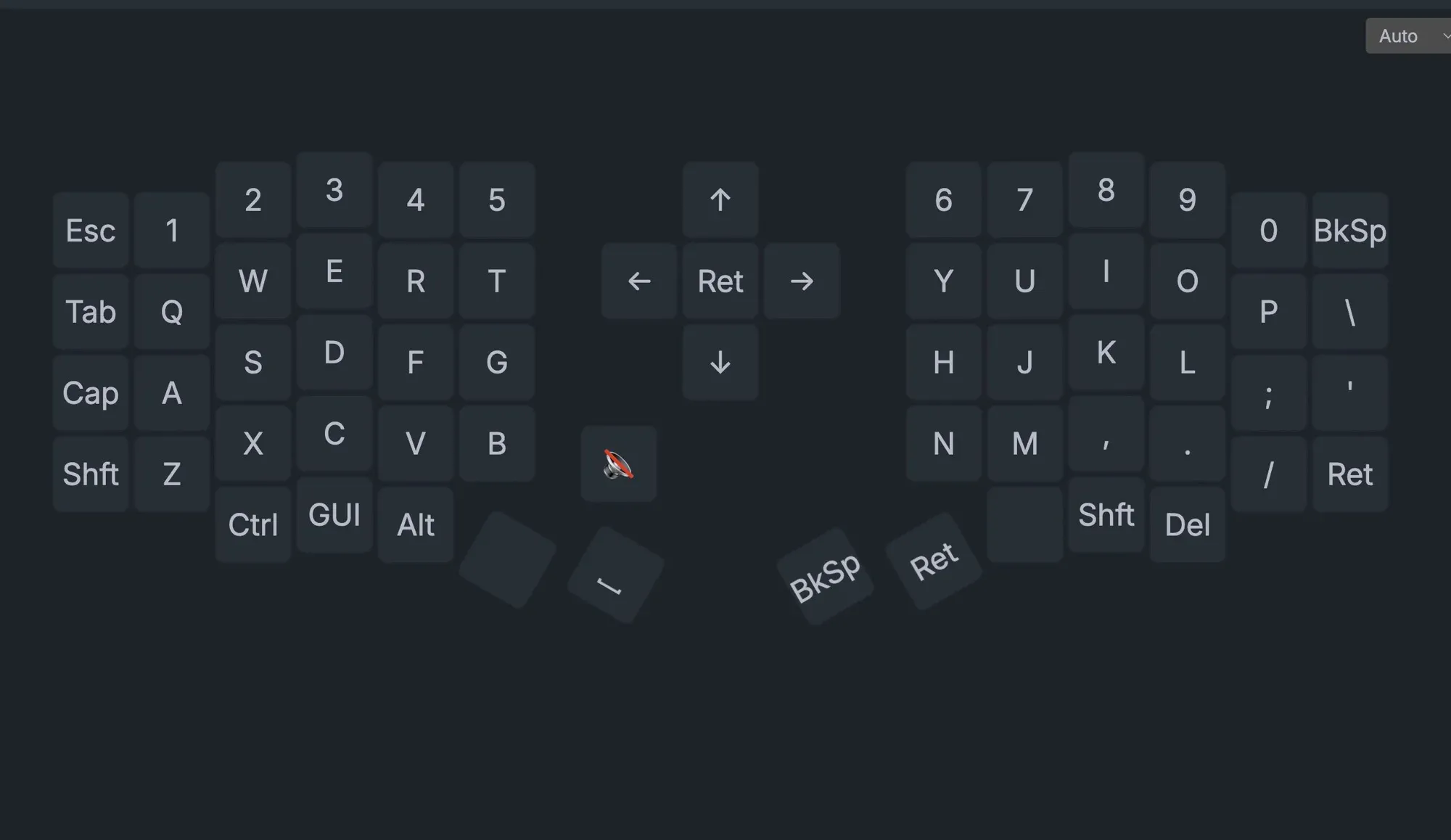
Although I do think I could be taking better advantage of the screens on the board, but that’s something I will figure out later.
Dev Workflow
Surprisingly this sped up my terminal movements. Vim bindings are second nature to me and I have my arrow keys on a second layer so I never have to reach for the bottom right like I would on a regular keyboard. The one thing that did take me time is remembering where ', ", and braces were, which is still a major gripe.
Verdict
For an introduction to split keyboards I think the primary benefit of being “more ergonomic” holds true, if only you can stick through the initial stages of the learning curve. Half this review was written on the Sofle and the final bits on my F75. I say this because I am not some purist and switch boards as I see fit.
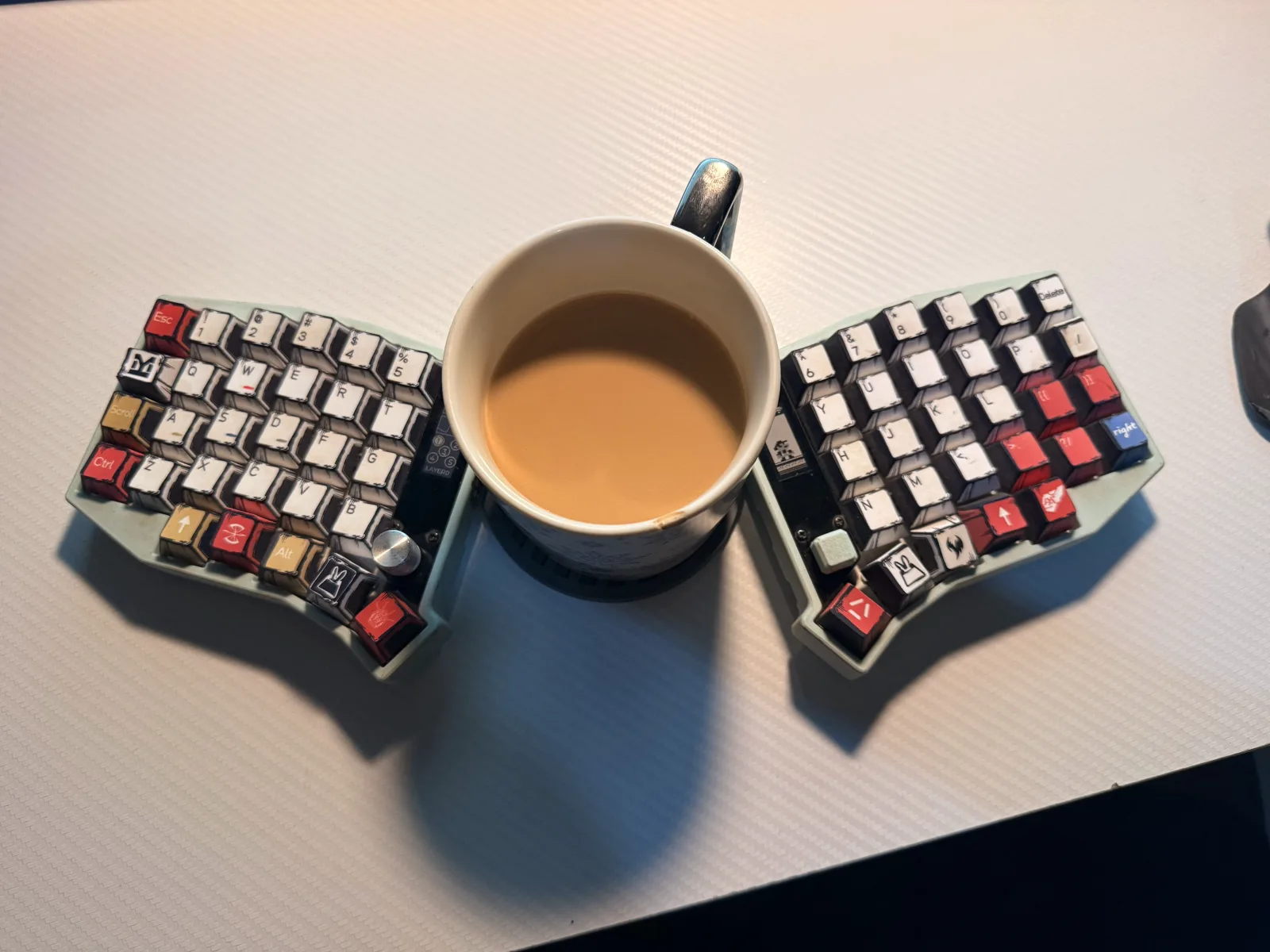
For the better part of last month now I’ve seen my workflow be on par with any other keyboard I own, so I felt this was a good time to put my thoughts.
Until next time. Happy clacking : )